To let your Family members join the Calendar Household, please refer to the following steps.
Method 1
Step 1: Open the eCalendar APP > Click "+">Select "Join a household".
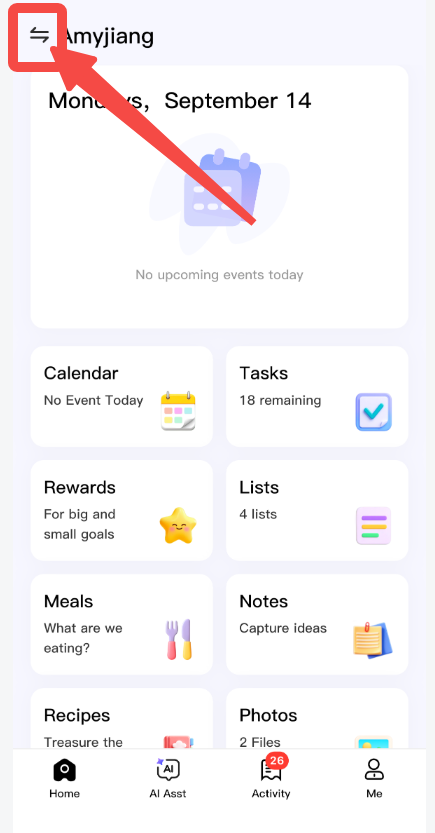
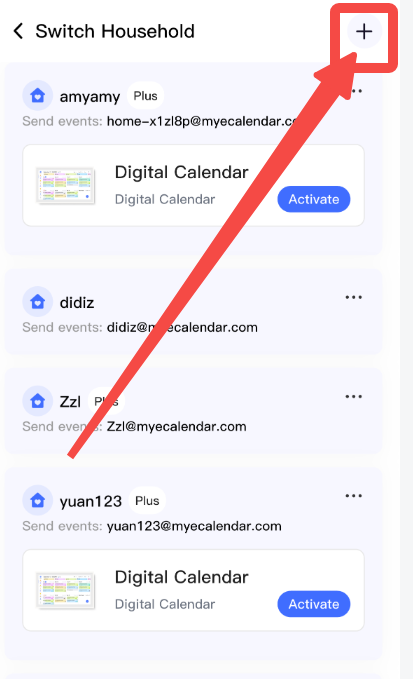
Step 2: Enter the household name.
Step 3: The household creator needs to click "Confirm Authorization" in their email.
The invitee will then be able to see the household.
Comments
0 comments
Please sign in to leave a comment.